Otanix Battle Ultimate Edition Mugen Lite
Enter the ultimate crossover fighting arena! Otanix Battle Ultimate Edition Lite brings together your favorite characters from anime, video games, and more in one epic fighting game. Experience intense battles with an enormous roster of legendary fighters!
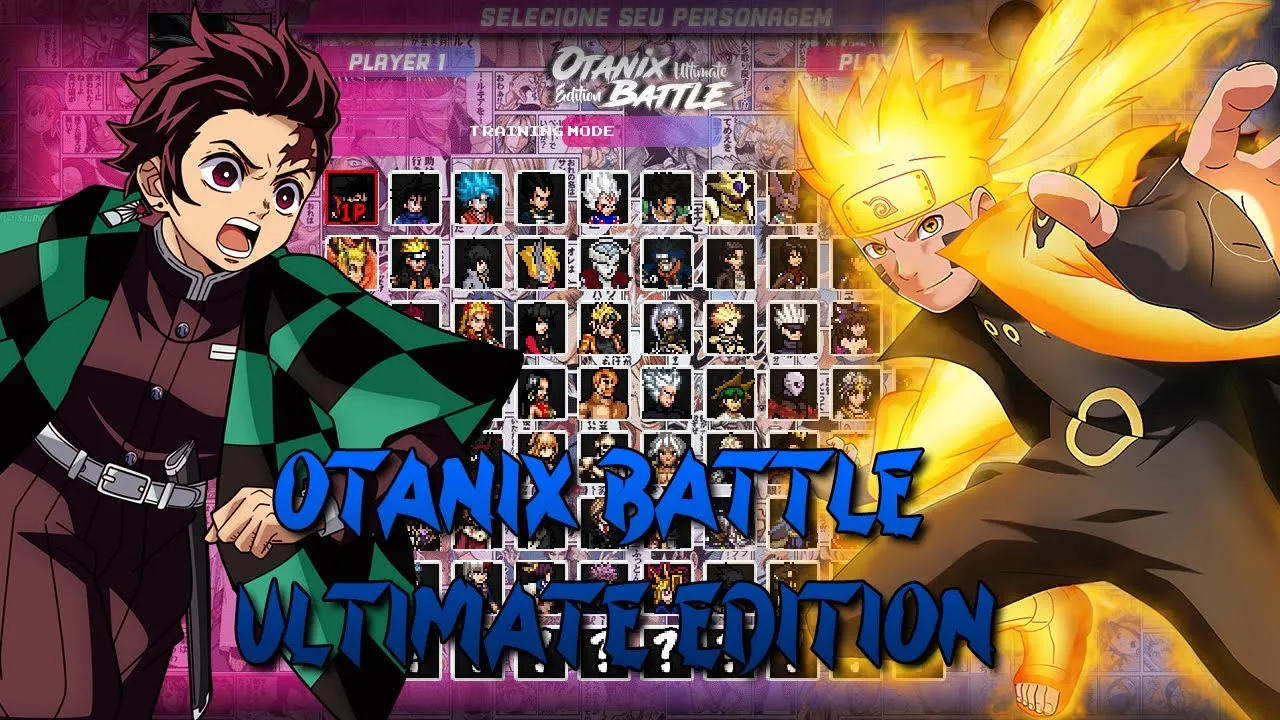
👇 Download Otanix Battle Ultimate Edition Lite from the links below: 👇
| Requirement | Specification |
|---|---|
| 💻 Platform | PC |
| 🔗 Operating System | Windows 7 or Higher |
| 🔎 Processor | Intel Core i3 or Better |
| 📐 RAM | 3 GB |
| 📽 Graphics Card | 1 GB |
| ⚙️ DirectX | Version 9.0 |
| 📏 Compressed Size | 2.88 GB |
| 📦 Required Space | 4.62 GB |
| 🎮 Controls | Keyboard & Joystick |
| 🏳️ Language | English |
Download and Install Otanix Battle Ultimate Edition Lite
1
Download the Game
Click the download button and select Mediafire as your download server.2
Extract Files
Use WinRAR to extract the downloaded RAR file to your desired location.3
Launch the Game
Run the main executable file to start your crossover battle adventure.4
Configure Controls
Set up your preferred keyboard or controller settings in the game menu.Enhanced Features
Massive Character Roster
Choose from hundreds of fighters across multiple anime and game universes.Advanced Combat System
Deep combo mechanics, special moves, and unique character abilities.Multiple Game Modes
Arcade, Versus, Team Battle, Survival, and Training modes.Featured Series
Dragon Ball
Characters: Goku, Vegeta, Frieza
Features: Transformations, Ki Blasts
Street Fighter
Characters: Ryu, Ken, Chun-Li
Features: Classic Move Sets
Naruto
Characters: Naruto, Sasuke, Kakashi
Features: Ninja Techniques